Remove Unwanted Objects From Photos With AI, Free
Taking an unwanted object out of a photo used to mean cloning and healing tools, plus a fair amount of practice. Paint over the object in the AI Erase tool and the background rebuilds itself around the empty space.
About AI Erase
Paint over whatever you do not want in the photo, and AI fills that area with texture and structure taken from the scene around it, so the repair blends in.
- Free, with no usage limits and no account to create.
- It runs in your browser. Your photo is never uploaded, so private images stay private.
- Watermarks, text, people, objects and other flaws can all be painted out.
The finished photo keeps its original resolution.


1Upload a photo
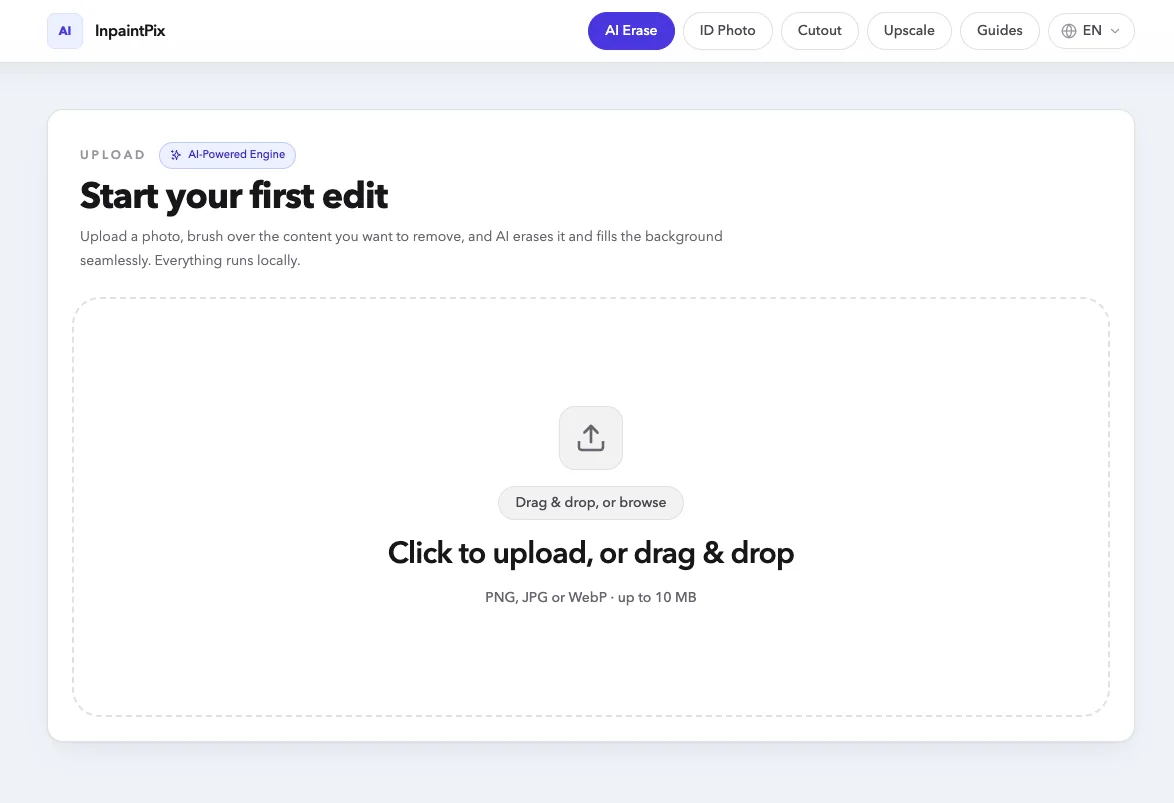
The upload area is labelled Start your first edit. Click it, or drag a photo onto it. JPG, PNG and WebP all work.
2Brush over what you want gone
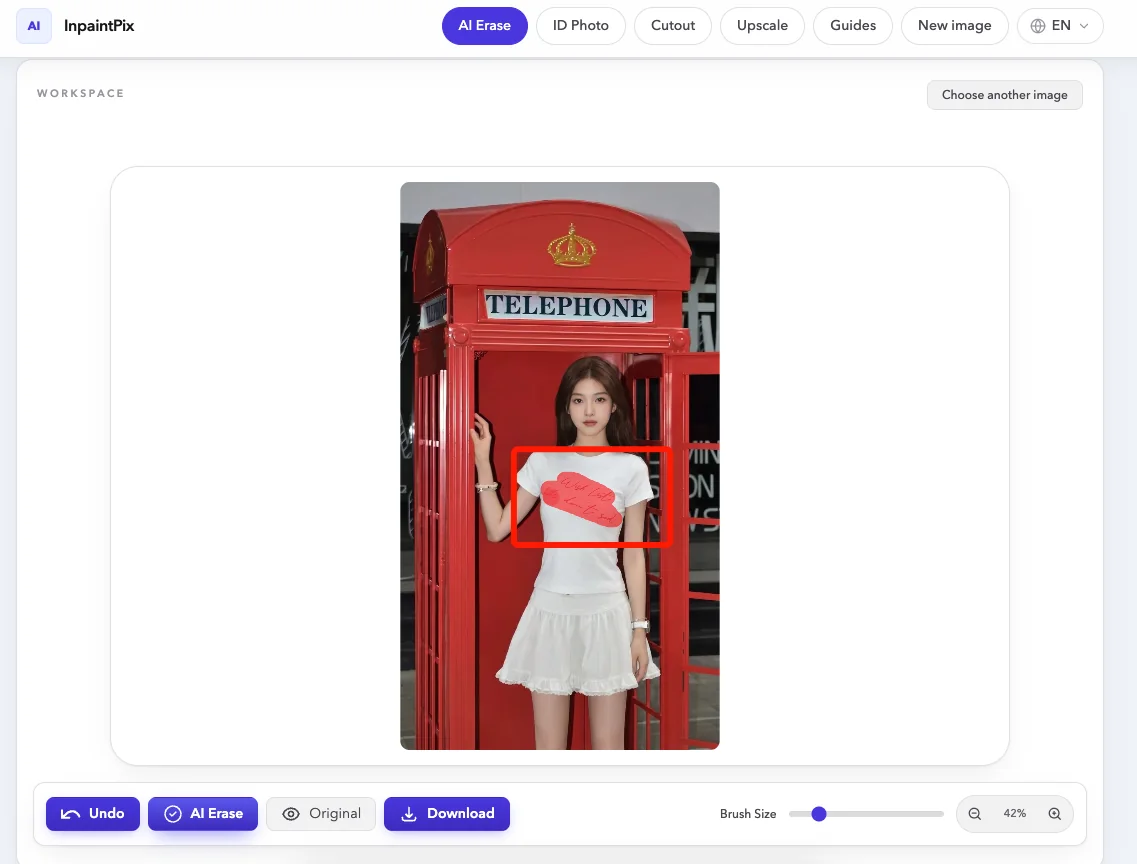
Set the brush to the width you want with the Brush Size slider, then paint over the object until it is covered. On a desktop you can hold Space and drag to move the photo around, and the zoom buttons get you closer. On a phone, the toolbar switches between Paint and Move.
3Press AI Erase
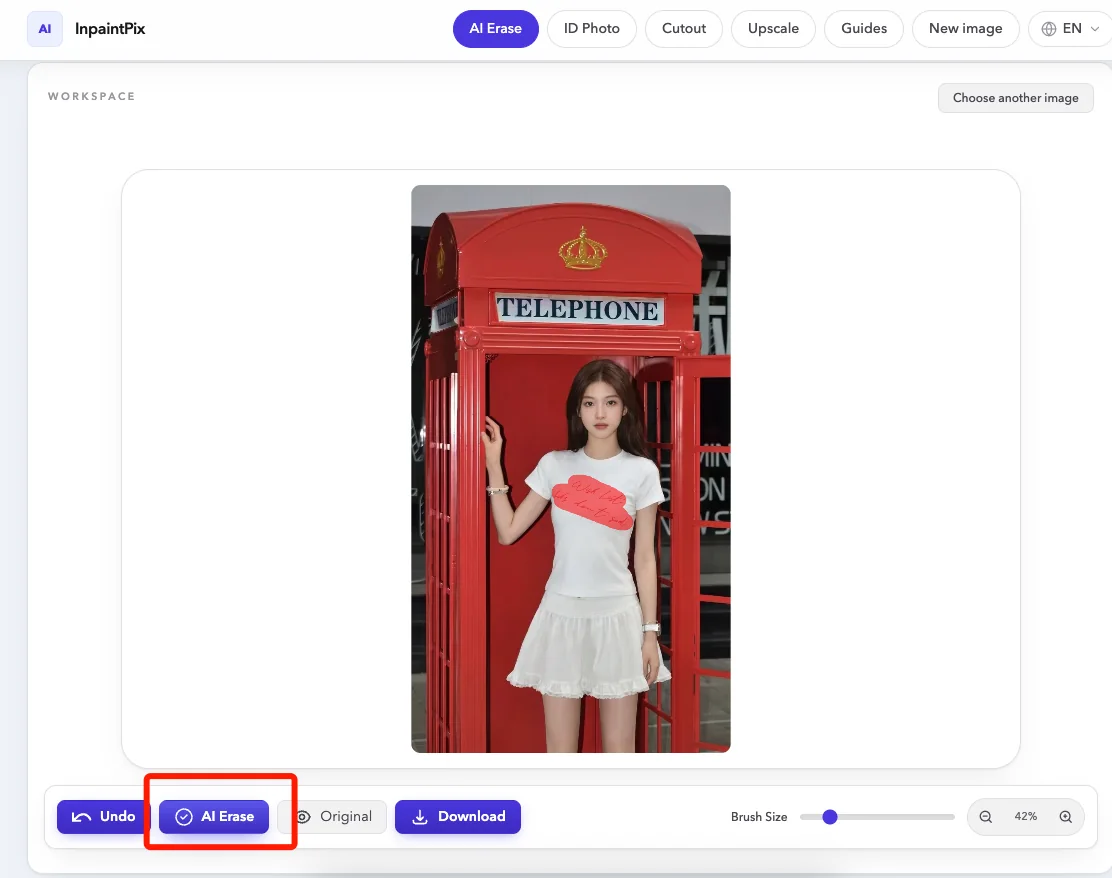
Press the AI Erase button. The workspace dims while the model works, and four stage lines cycle past: analyzing image edges, detecting unwanted content, rebuilding background texture, compositing the final result. The overlay also notes that the photo stays on your device.
4Check the result
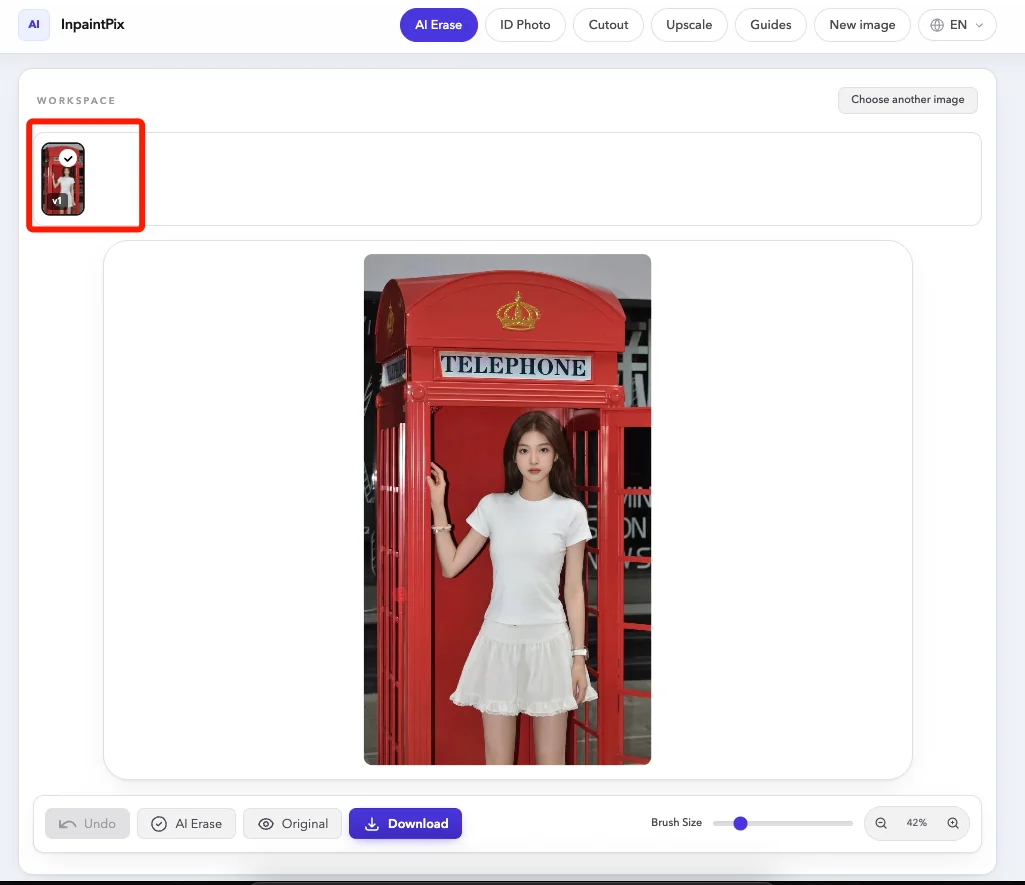
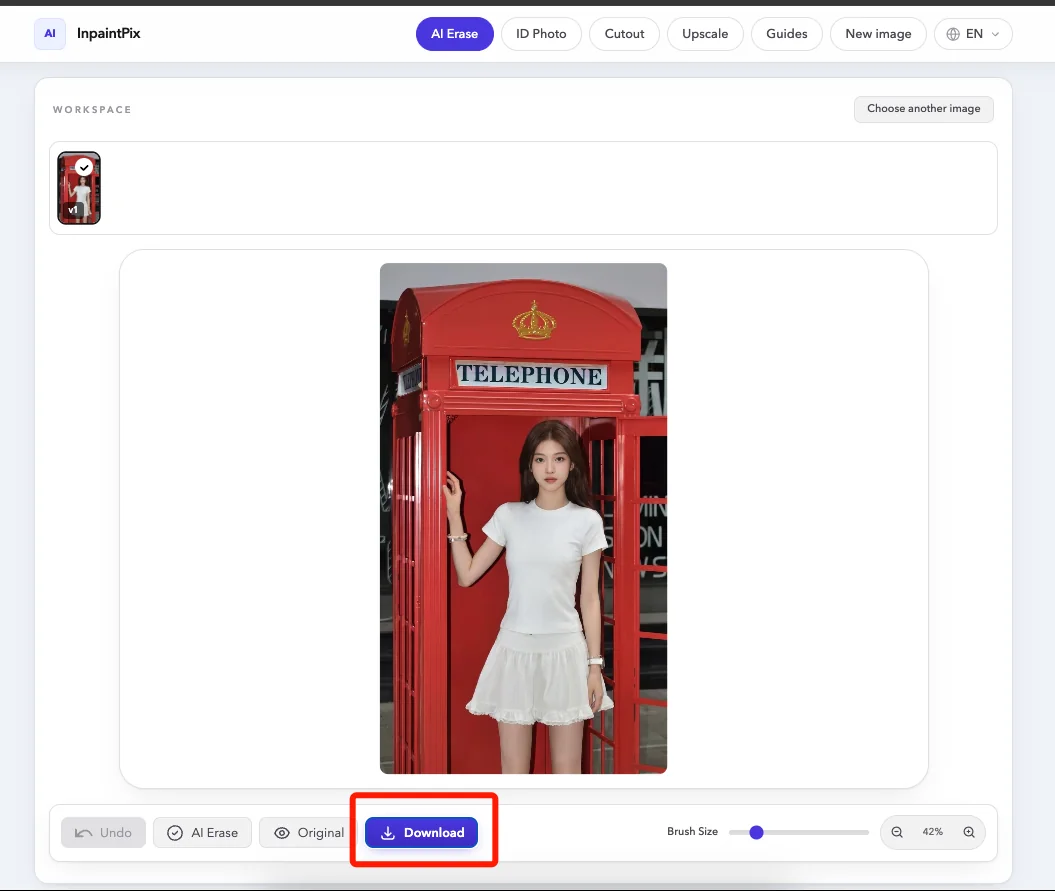
The cleaned photo replaces the original in the workspace. Drag the divider across it to compare the two, or press Original to flip back to the photo as it was. The Undo button clears the last pass so you can paint over an area again.
5Download
Press Download to save the edited photo, then Choose another image to start on the next one.
More free tools
- Remove Background cuts the subject out and saves it as a transparent PNG.
- ID Photo puts the subject on a white, blue, red, gradient or custom background at 1-inch, 2-inch or visa size.
- Upscale enlarges an image 2x or 4x and rebuilds fine detail.
All of them are free, with no sign-up and no usage limits.
Got a photo with something in it that should not be there?
Erase It Free